Features of the NatWest Payments Integration for WooCommerce:
- Flexible payment acceptance – Accept payments across desktop, tablet, and mobile devices using debit and credit cards, as well as digital wallets such as Apple Pay and Google Pay, with no additional development required.
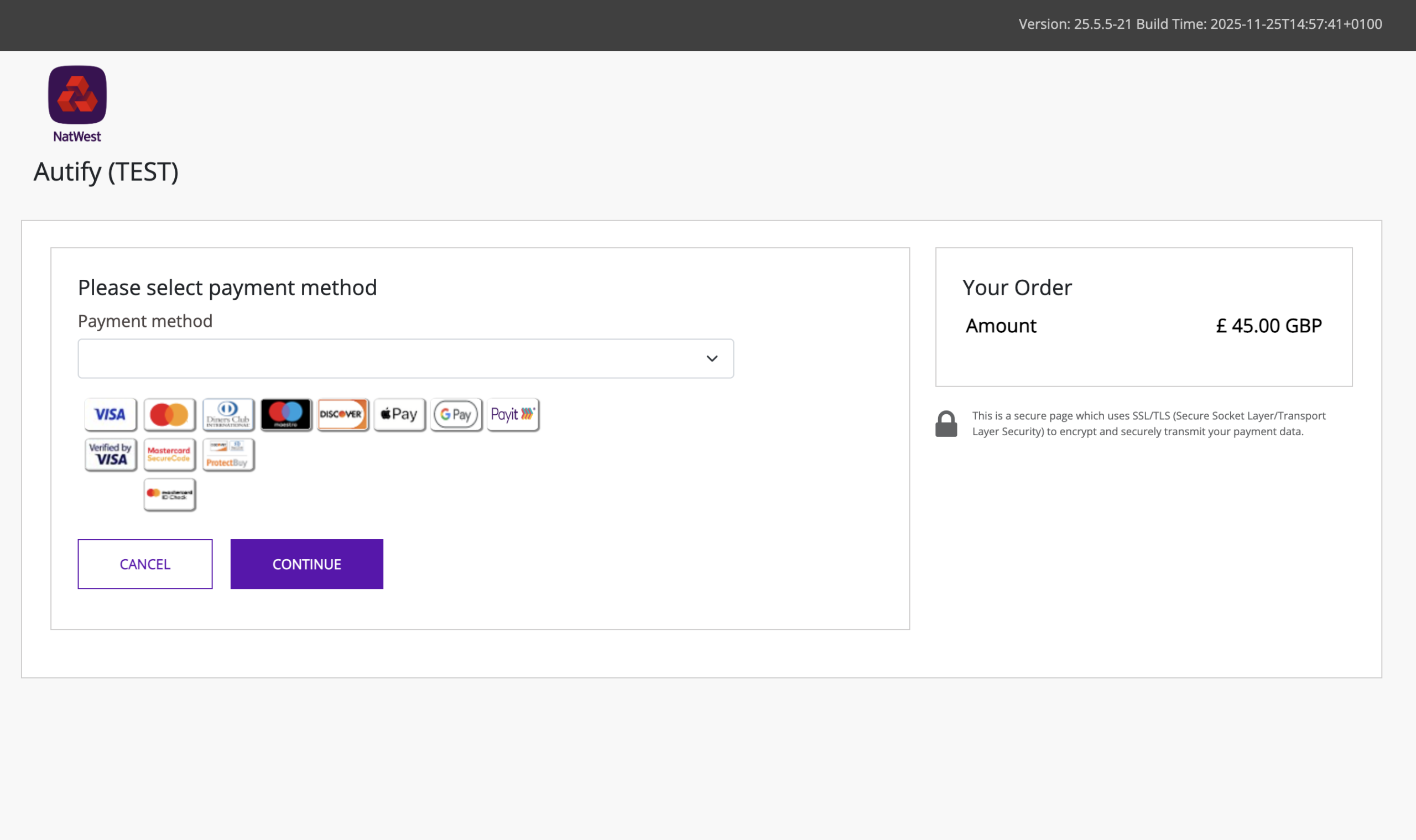
- Hosted Checkout Payment Page – Provide customers with a secure and seamless checkout experience using the NatWest Payments hosted and fully customisable payment page.
- Repeat and Subscription Payments – Charge customers on a repeated, predetermined schedule, for example for subscriptions, memberships, instalment plans, or other agreed upon services, you can set up recurring payments to automate this process with WooCommerce Subscriptions.
- Secure and PCI-compliant transactions – Build customer trust with a secure payment process managed within NatWest Payments’ PCI compliant environment.
- Insightful dashboards – Access transaction reports and customer insights for data-driven decision-making.
- Real-time transaction data – Stay informed with real-time transaction data delivered via webhooks.
- Payment page customisation – Personalise the look and feel of your checkout using the NatWest Payments Virtual Terminal to reflect your brand and provide a consistent customer experience.
- Refunds and returns management – Manage refunds and void transactions directly from your WooCommerce dashboard.
- Simple installation process – Get up and running quickly with an easy to follow installation guide included with the plugin download.
- Dedicated support – Benefit from expert setup and ongoing assistance from Autify Digital’s specialist support team.
What Is Tyl by NatWest?
Tyl by NatWest (NatWest Payments) is a modern payment gateway designed to deliver secure, efficient, and seamless e-commerce transactions. As part of NatWest Payments’ broader offering, it enables businesses to accept payments via cards, as well as digital wallets such as Apple Pay and Google Pay, providing a smooth and intuitive checkout experience for customers.
By integrating the NatWest Payments plugin into your WooCommerce website, you can enable reliable and secure payment processing while offering a fully customisable checkout journey. This ensures a consistent, user friendly experience for your customers, helping to build trust and support conversion.
Before You Begin
To use the NatWest Payments integration for WooCommerce, you must have an active Tyl by NatWest merchant account. Please note that while Autify Digital supports and facilitates the technical integration, they do not manage merchant account setup or onboarding. To apply for a Tyl by NatWest account, please click here
Customise Your Tyl by NatWest WooCommerce Plugin
Every business is unique, and so is our integration solution. If you require custom features or adjustments to better suit your operations, contact us at tylbynatwest@autify.co.uk. Our team is ready to tailor the NatWest Payments plugin to your business needs, ensuring you maximise its potential.
Installation
Setting up the NatWest Payments integration for WooCommerce is quick and straightforward.
To begin, ensure you have your Tyl by NatWest merchant account credentials available. Once ready, download the plugin from our store and follow the detailed, step by step installation guide included in the package to configure the integration on your website.
For added convenience, we also offer an optional installation service. If selected during checkout, our specialists will handle the full setup on your behalf, ensuring everything is configured correctly and ready to accept payments.
Security and Compliance
With the NatWest Payments integration, all transactions are processed securely to ensure customer payment information remains fully protected.
The Checkout payment page is fully hosted by NatWest Payments, meaning that all payment credentials are captured and processed within a PCI‑DSS compliant environment. This removes the need for your business to handle sensitive card data directly.
You can operate with confidence, knowing that security and compliance are managed for you. This robust security framework not only protects your business but also helps build trust with your customers and supports a smooth, reliable payment experience.

 Supports 11.x, 10.x, 9.x